
Download any of these ten free printable time blocking templates in PDF format. Each download works as a one-page time blocking sheet or time block planner, and no email address or registration is required.
Each template includes a daily schedule, with additional features such as a task list, break reminders, reflection prompts, gratitude space, notes, or mood and water tracking. Choose the layout that matches how much structure you want rather than trying to use every feature.
If you are unsure where to begin, start with the Simple Time Blocking Template. It gives your important work a place on the schedule while keeping smaller tasks in a separate list.
New to the method? Read the Ultimate Guide to Time Blocking for the complete planning system.
Looking for a time boxing template? The printable schedules below can also be used for timeboxing: assign a fixed amount of time to a task, work until the timebox ends, and then review the result. For a detailed explanation, see Time Blocking vs. Time Boxing.
Choose the right time blocking template
If you want… | Choose |
|---|---|
Reminders to pause during focused work | |
A more visual and decorative planner | |
Priorities, meals, notes, and reflection in one page | |
Space for gratitude and an end-of-day review | |
A daily phrase or intention | |
A clean schedule with a small notes area | |
More horizontal writing space | |
A schedule plus a simple task list | |
Maximum flexibility with minimal structure | |
Mood and water tracking alongside the schedule | |
A fixed limit for one task, with a stop-and-review prompt | |
Prefer an editable planner? |
The ten templates below are primarily daily layouts. If you prefer to plan the whole week at once, download the Bonus Weekly Time Blocking Template below. If you manage several clients and need complete consulting or freelance schedule structures, use the time blocking templates for freelancers guide.
Bonus Weekly Time Blocking Template
If you prefer to plan the entire week before scheduling individual days, use this weekly time blocking template. It gives you a Monday-to-Sunday view so you can place fixed commitments, protect important work, and see how your available time is distributed across the week.
Use it when you need to coordinate several priorities across multiple days rather than planning one day at a time.
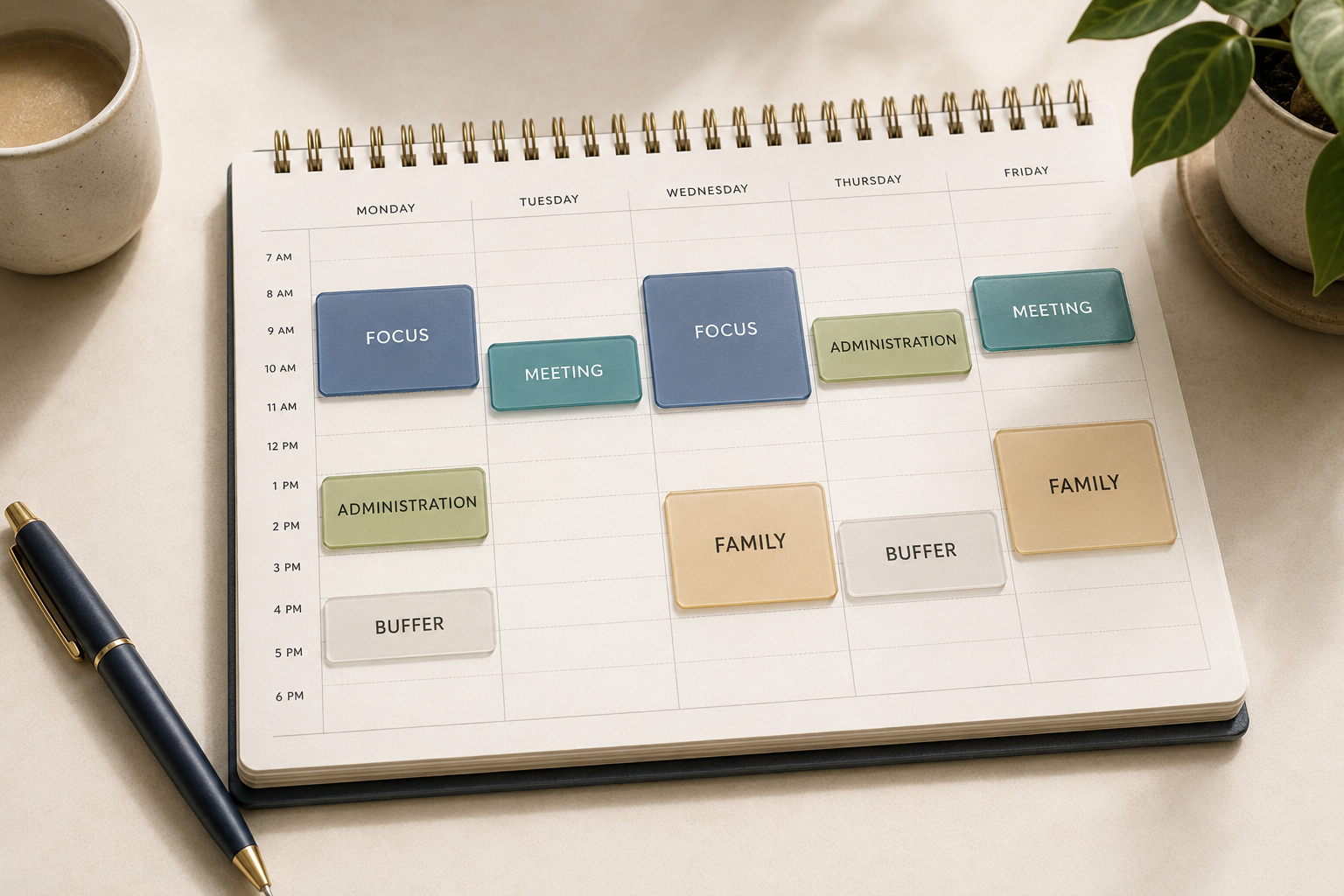
A realistic weekly time-blocking calendar with focus, meeting, administration, family, and buffer periods.
1. Time Blocking Template with Break Reminders

Use this layout when you tend to work through breaks or lose track of time during focused work. Decide on a realistic focus interval, then use the reminders to pause, move, drink water, or reassess your energy.
I recommend using the Pomodoro Technique with this template.
It does not have to be 30-minute intervals. You can do 60 minutes or 90 minutes. But do not go over 90 minutes. Our energy is limited. According to The Power of Full Engagement, we must take a break every 90-120 minutes. Similarly, a study found that if you have already worked intensely for 4-5 hours, the chances are that you have already depleted your energy for focused concentration.[1]Ericsson, K. A., Krampe, R. T., & Tesch-Römer, C. (1993). The role of deliberate practice in the acquisition of expert performance. Psychological Review, 100(3), 363. Another study further concluded that age and skill level affect the maximal daily concentration time. “Beginners seemed to be limited to around 15-20 minutes of full concentration, whereas individuals with many years of daily training only gradually reached the 5-hour limit."[2]Ericsson, K. A. (2020). Towards a science of the acquisition of expert performance in sports: Clarifying the differences between deliberate practice and other types of practice. Journal of … Continue reading
I recommend a maximum of 90 minutes because it would be tough to get focused anymore if you do 120 minutes of focused attention.
2. Time Blocking Template with Illustrations
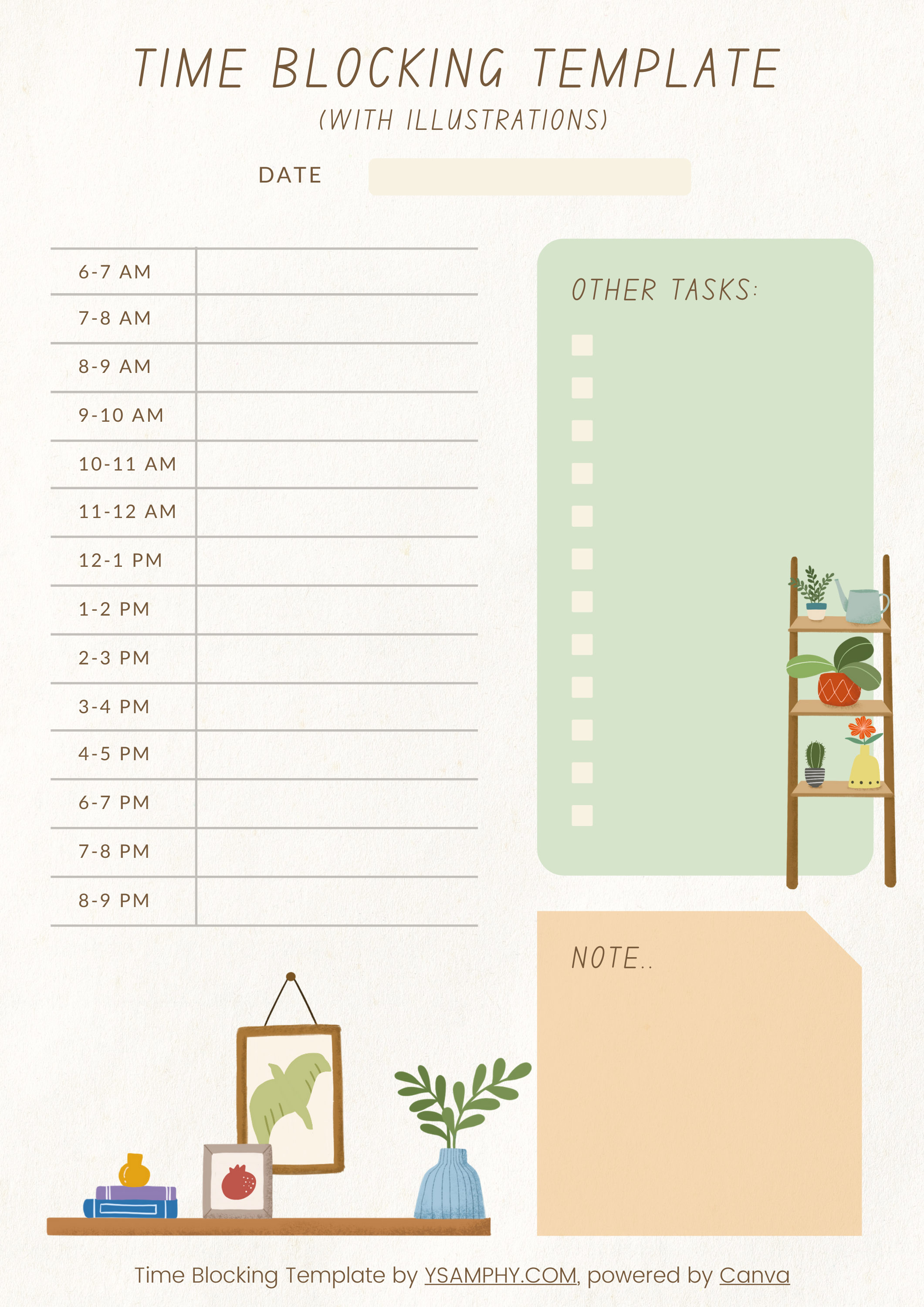
Time blocking template with illustrations
Choose this version if a visually engaging planner makes you more likely to keep it nearby and use it. It combines a daily schedule with decorative illustrations without adding a complicated tracking system.
Recommended: How to Time Block on Google Calendar
3. Classic Time Blocking Template
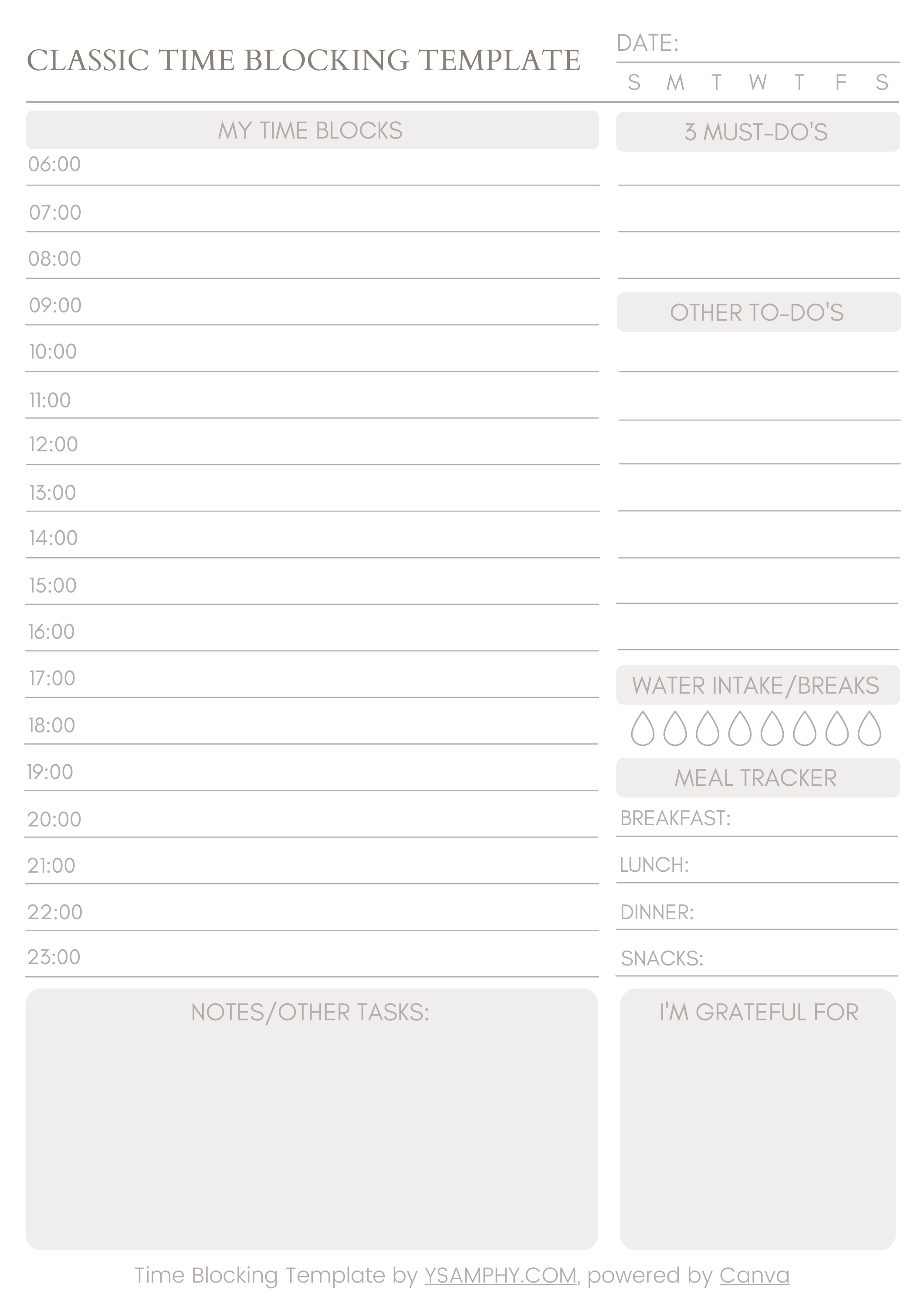
I designed this Classic template to give you more structure: scheduled blocks, must-do items, other tasks, notes, meals, water, gratitude, and reflection. Use it when you want one page to support both planning and a short end-of-day review.
4. Pink Time Blocking Template with Gratitude Note
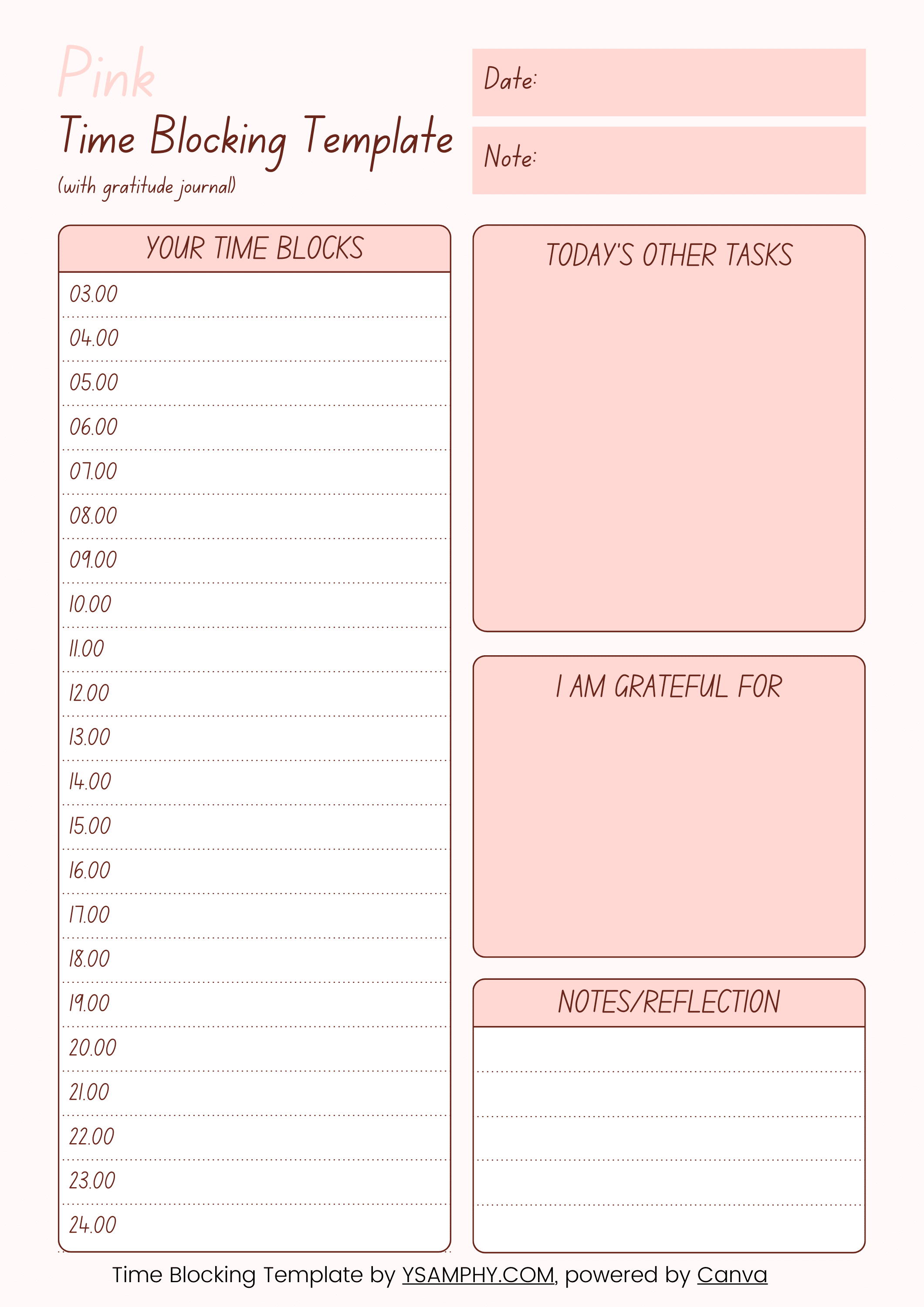
Pink Time Blocking (with gratitude journal)
This template combines a daily schedule with space for gratitude and reflection. Choose it when you want your planner to capture not only what you intend to do, but also what went well.
5. Time Blocking Template with Daily Mantra
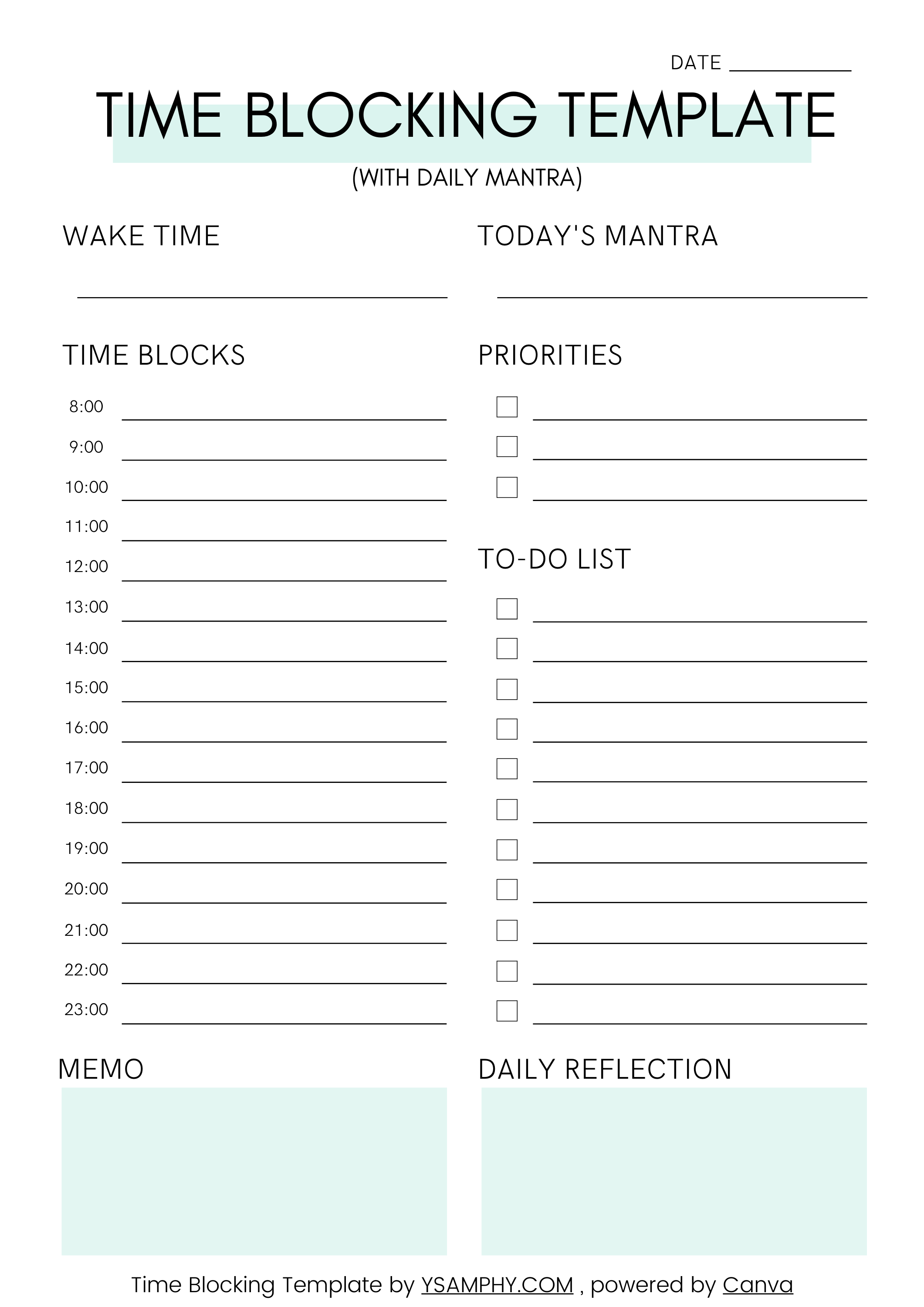
Time Blocking Template with Daily Mantra
Use this layout to begin the day with a phrase, intention, or reminder. It also includes space for notes and reflection, helping you connect the schedule with how you want to approach the day.
6. Light Time Blocking Template

Light time blocking template
The Light template includes a clean daily schedule and a small notes area. It works well when you want enough structure to guide the day without maintaining several trackers.
7. Horizontal Time Blocking Template
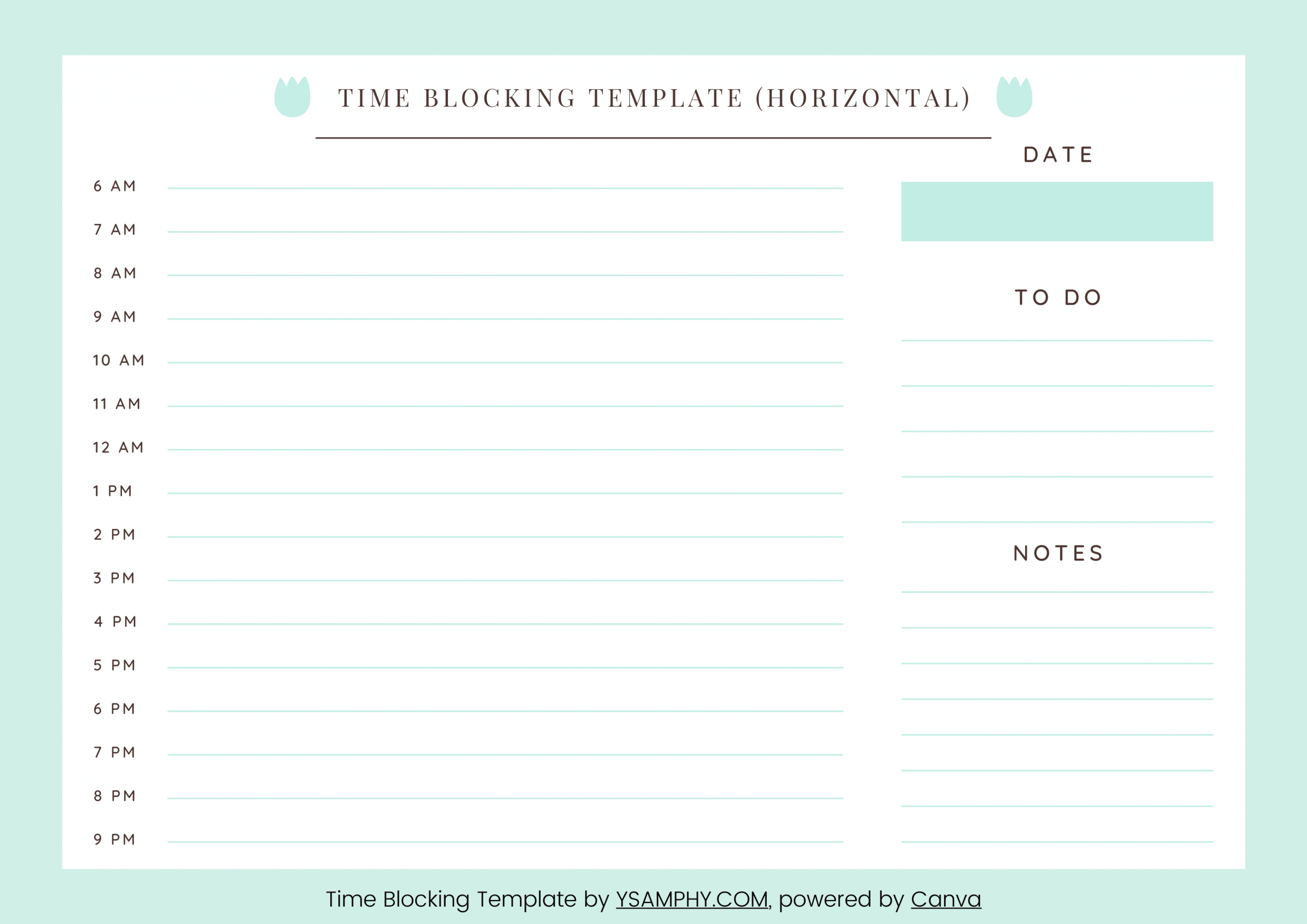
Time Blocking Template (Horizontal)
The horizontal layout gives you more room to describe each block. Use it when short labels such as “project work” are not specific enough and you want to write the intended outcome of each session.
8. Simple Time Blocking Template
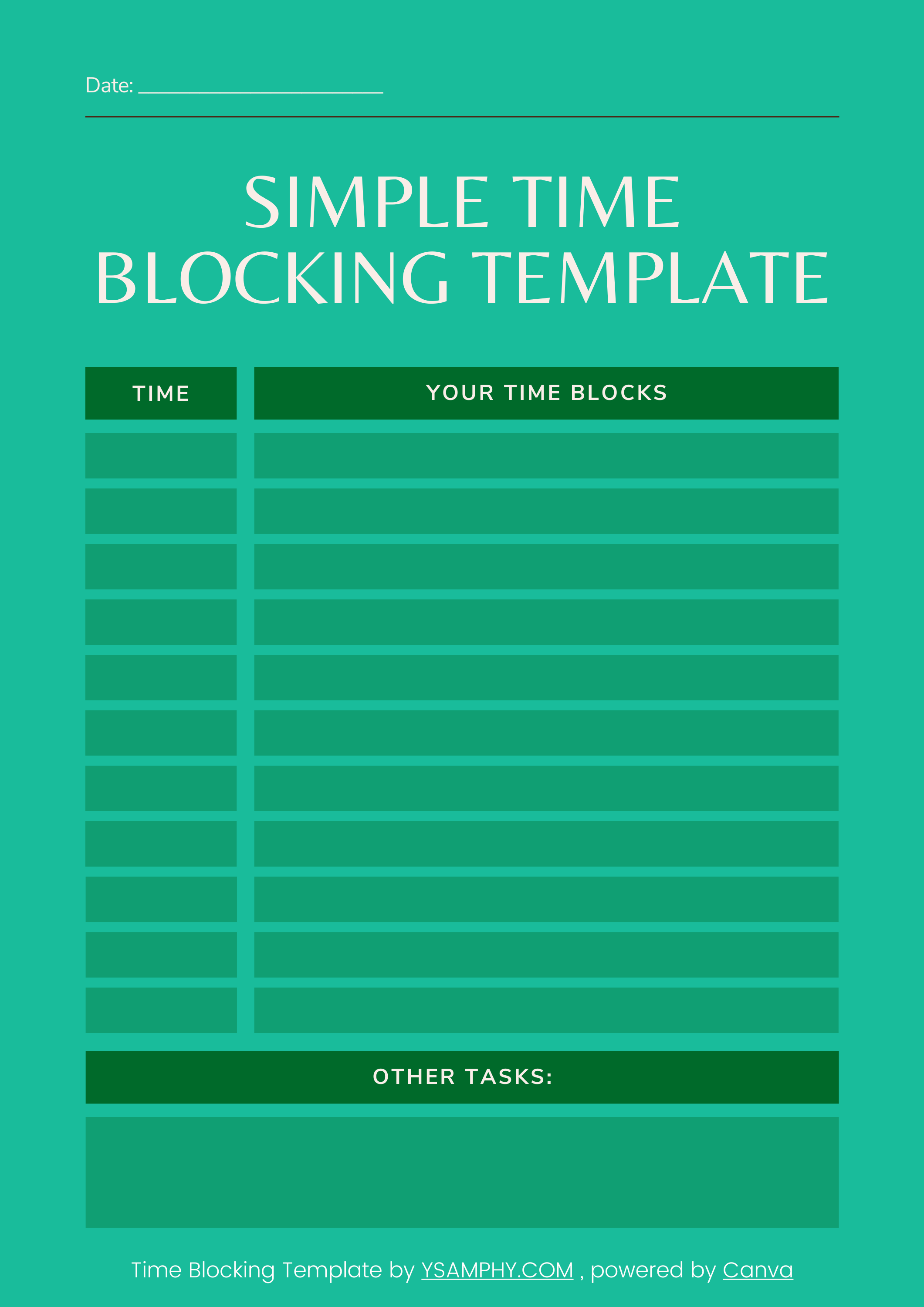
Simple Time Blocking Template
This template separates scheduled work from other tasks. Put work that genuinely needs protected time in the schedule and keep smaller, flexible actions in the task list.
9. Minimal Time Blocking Template
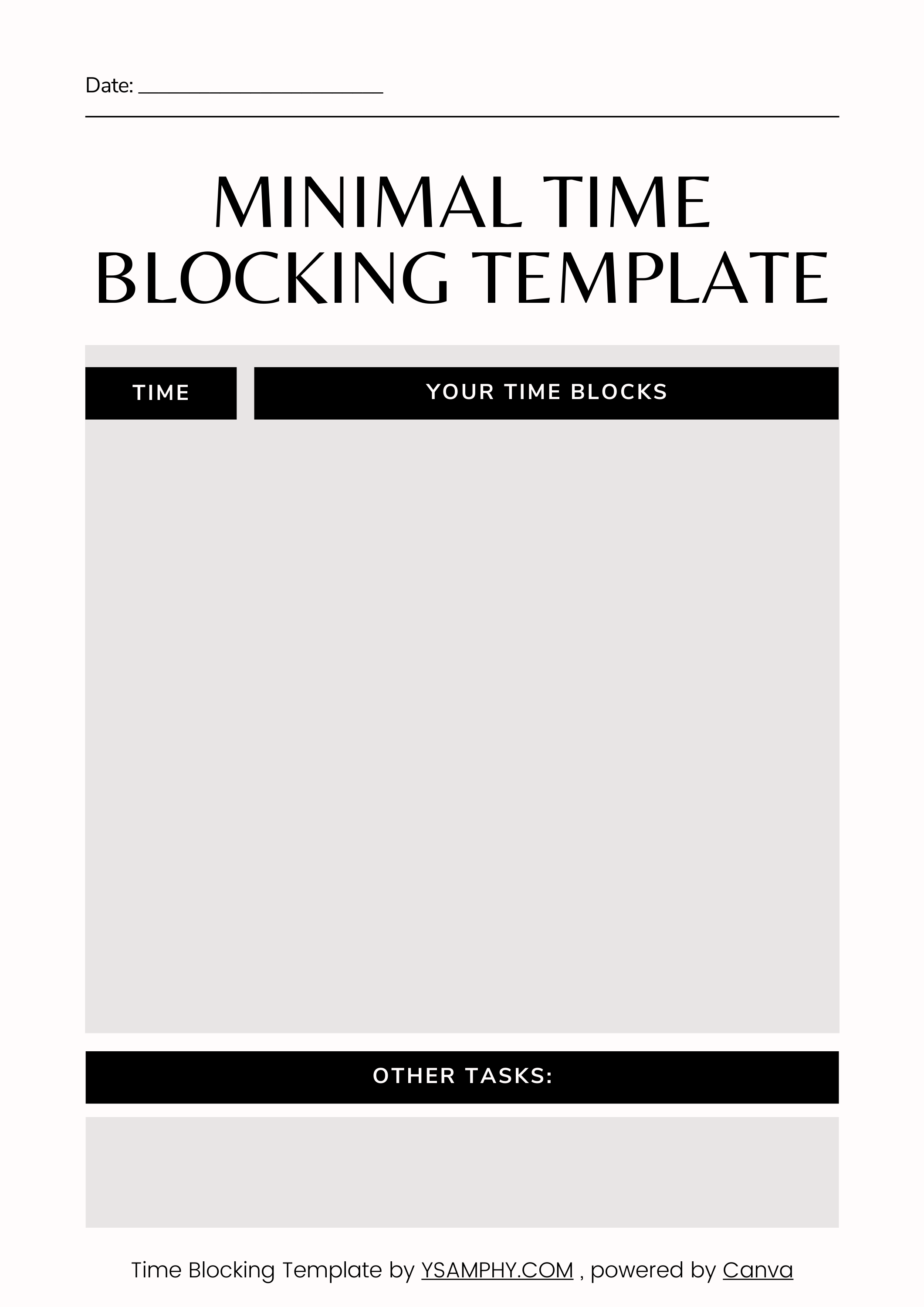
Minimal Time Blocking Template
The Minimal template leaves the schedule largely undefined so you can choose your own starting times and block lengths. It is best when your working hours change or you prefer to build the structure yourself.
10. Time Blocking Template with Mood and Water Tracker
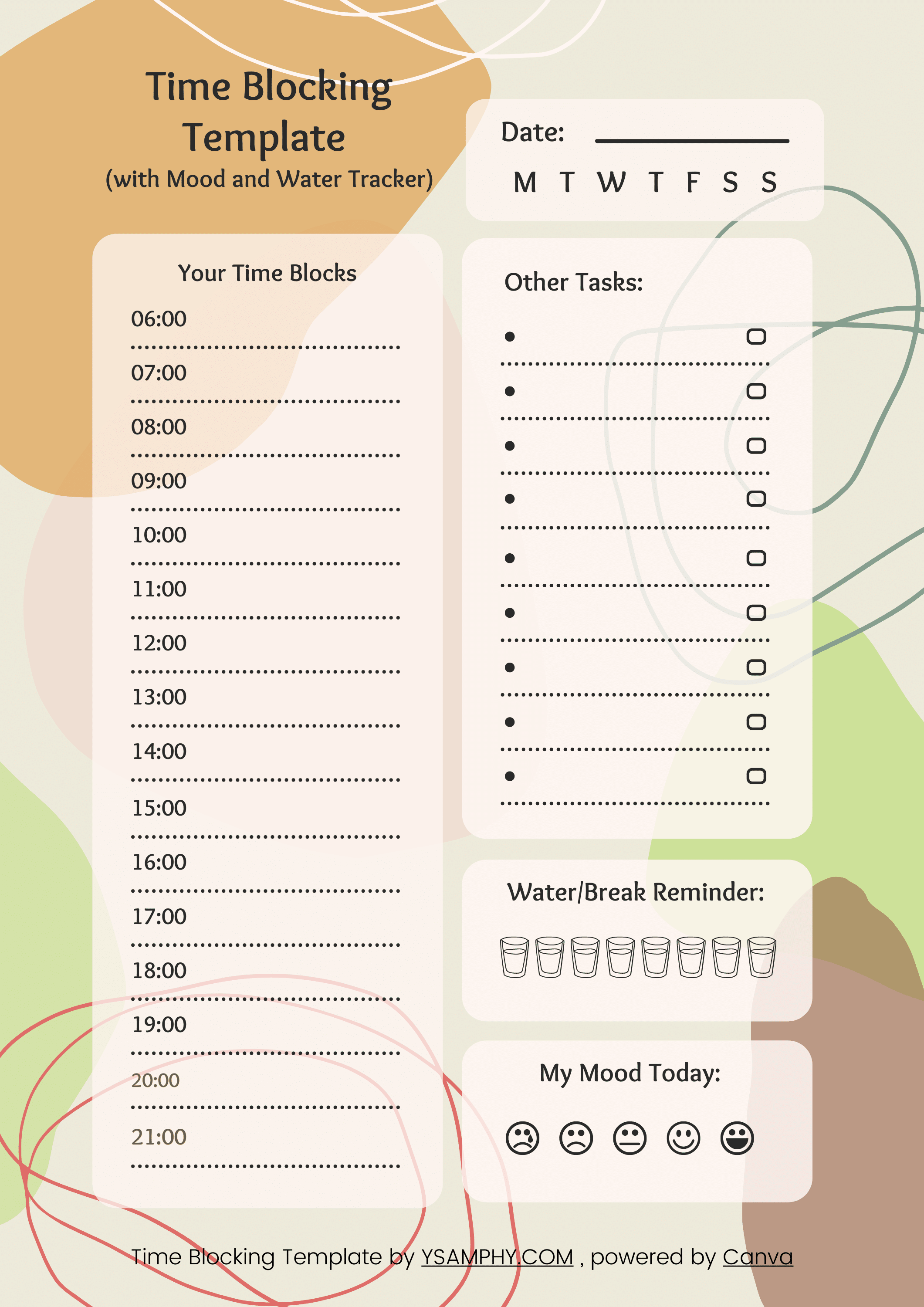
Time blocking template (with mood and water tracker)
This version combines a daily schedule with simple mood and water tracking. Use it when you want to notice how your energy and physical routines relate to the way your day unfolds.
Bonus: a timeboxing worksheet for one task
A daily planner helps you decide when to work. This timeboxing worksheet helps you decide how much time to spend on one task and what to do when that time runs out. Use it alongside any of the schedules above.
The two-page PDF includes a blank worksheet and a completed example. Print page 1 for your own task; use page 2 as a reference. No signup is required for the download.
How to use the worksheet
- Name a useful outcome. Replace “work on proposal” with “draft the proposal's opening paragraph.” Choose a result small enough to attempt in the available time.
- Set a start and finish time. Include a few minutes to review and save. The example uses 25 minutes, but the duration is your choice.
- Write the stopping rule. Decide what you will leave out and when you will stop creating new work. A missing fact can become a note to check later rather than an unplanned research session.
- Record the actual result. Note what exists, what remains unfinished, and any interruption. The point is to see what happened, not to award yourself a perfect score.
- Choose the next action. Finish here, reduce the scope, schedule another box, or drop a task that no longer matters.
Example: a proposal opening in 25 minutes
This is an illustrative example, not a measured case study.
Plan a 9:00–9:25 session to draft a rough 150-word opening. Stop drafting at 9:22 and use the last three minutes to review and save. Leave research and formatting outside this box.
At 9:25, you have 130 words and one statistic marked for checking. Save the draft. Schedule a separate 10:00–10:15 session to verify the statistic and revise two sentences, keeping the existing 9:30 meeting intact.
An unfinished task does not make the timebox useless: you now have a concrete result and a clearer next step. If urgent work interrupts, save your place and deliberately choose whether to resume later or reduce the scope.
For the method comparison, read time blocking versus timeboxing. Use the daily and weekly templates above when you need to arrange several commitments across your calendar.
How to use your time blocking template
Whether you call it a time blocking template, planner, or schedule sheet, its purpose is to give your day a visible structure. Use the printable PDF to make deliberate scheduling decisions—not to pressure yourself into filling every available hour.
If you are familiar with the time blocking method, including the pros and cons, the templates should be straightforward. Even if you are not, it should be relatively easy as long as you know how to use a calendar.
Ten time blocking templates (FREE, printable downloads)! No registration required.
1. Add fixed commitments
Begin with appointments, meetings, school runs, family commitments, meals, and anything else that cannot easily move. This reveals how much usable time you actually have.
2. Choose one to three meaningful outcomes
A long task list can hide what matters. Decide which outcomes would make the day worthwhile, then reserve time for those first.
Describe the result you want rather than using a vague label:
Weak | Better |
|---|---|
Work on website | Rewrite homepage introduction |
Client project | Draft the findings section |
Administration | Send invoices and reconcile payments |
3. Use realistic block lengths
Estimate how long the work will take, then account for setup, transitions, and the possibility that the task will take longer than expected.
A block does not need to be 30, 60, or 90 minutes. Its length should reflect the work, your available time, and your ability to concentrate that day.
I do not fear a man who has practiced 10,000 kicks, but the one who practices one kick 10,000 times.
Bruce Lee
4. Leave some space unassigned
Do not fill every line merely because the template contains it. Open space can absorb interruptions, overruns, preparation, rest, and work that appears during the day.
A schedule with no buffer assumes that everything will go exactly as planned.
5. Decide what moves when the day changes
Before beginning, identify:
- the one block you most want to protect;
- the work that can be shortened;
- the work that can move;
- the first point where you will return after an interruption.
This turns flexibility into part of the system instead of treating every change as failure.
Recommended read: GTD and Time Blocking: Rethinking What Works
6. Review briefly at the end of the day
Ask:
- What did I complete?
- What remains important?
- What should be rescheduled, reduced, delegated, or removed?
- What did today teach me about tomorrow’s plan?
Do not copy every unfinished task automatically into the next day. Make a new capacity decision first.
Habit Stacking Your Time Blocks
To make this system stick, you have to build automaticity. My default mode of adopting a habit is to start small—even scheduling just a 15-minute block counts if you do it daily. Habit stacking is another powerful strategy. Try attaching your daily planning session to an existing routine, like drinking your morning coffee or wrapping up your final email of the day. Consistency is what allows you to reach a flow state.
GTD vs. Time Blocking
David Allen, the author of Getting Things Done (GTD), recommends prioritizing tasks on a moment-to-moment basis. Time blocking takes a different approach by assigning specific tasks to strict calendar slots. You do not have to choose just one; many professionals capture their tasks using the GTD inbox method, and then execute those tasks using daily time blocks.
The Power of Daily Reflection
A template is only as good as the reflection it prompts. At the end of your day, do not just blindly move unfinished tasks to tomorrow. Ask yourself these three reflection questions:
- What went well today?
- What could have gone better?
- What strategies do I need to use to get better results tomorrow?
Your template is the plan. The Reset is the return path.
Printing a schedule is easy. Keeping it useful after meetings run long, energy changes, or unexpected work appears is harder.
The free 7-Day Time Blocking Reset helps you build a weekly structure, protect meaningful work, and recover when the original plan becomes unrealistic. It includes a workbook and seven short practical lessons.





Thank you for excellent advice & templates – very helpful:)
Thank you for taking the time to tell me it’s helpful. It means a lot to me.
Thank you for sharing this templates and advice. 🙂
Thank you so much for your kind words! I’m glad you found the time-blocking templates and advice helpful. It’s always great to hear that the resources I share are making a positive impact. If you have any further questions or need additional assistance, feel free to reach out. Wishing you success with your time-blocking endeavors!
These time blocking templates are super helpful for staying organized and building productive habits! For anyone looking to celebrate milestones or add a personal touch to their achievements, Fineyst Patches offers custom patches that make tracking progress even more motivating and fun.
This is a really practical and well-structured guide on time blocking, especially with the variety of templates and the focus on building habits through consistency and reflection. Tools like these make it easier to stay focused on priorities and manage daily energy better, which is something we also value at Fineyst Jackets, where our service is centered on delivering premium jackets that fit into an organized, confident, and purpose-driven lifestyle. Productivity and personal style both come down to clarity, discipline, and choosing quality tools that support your goals.