
Summary
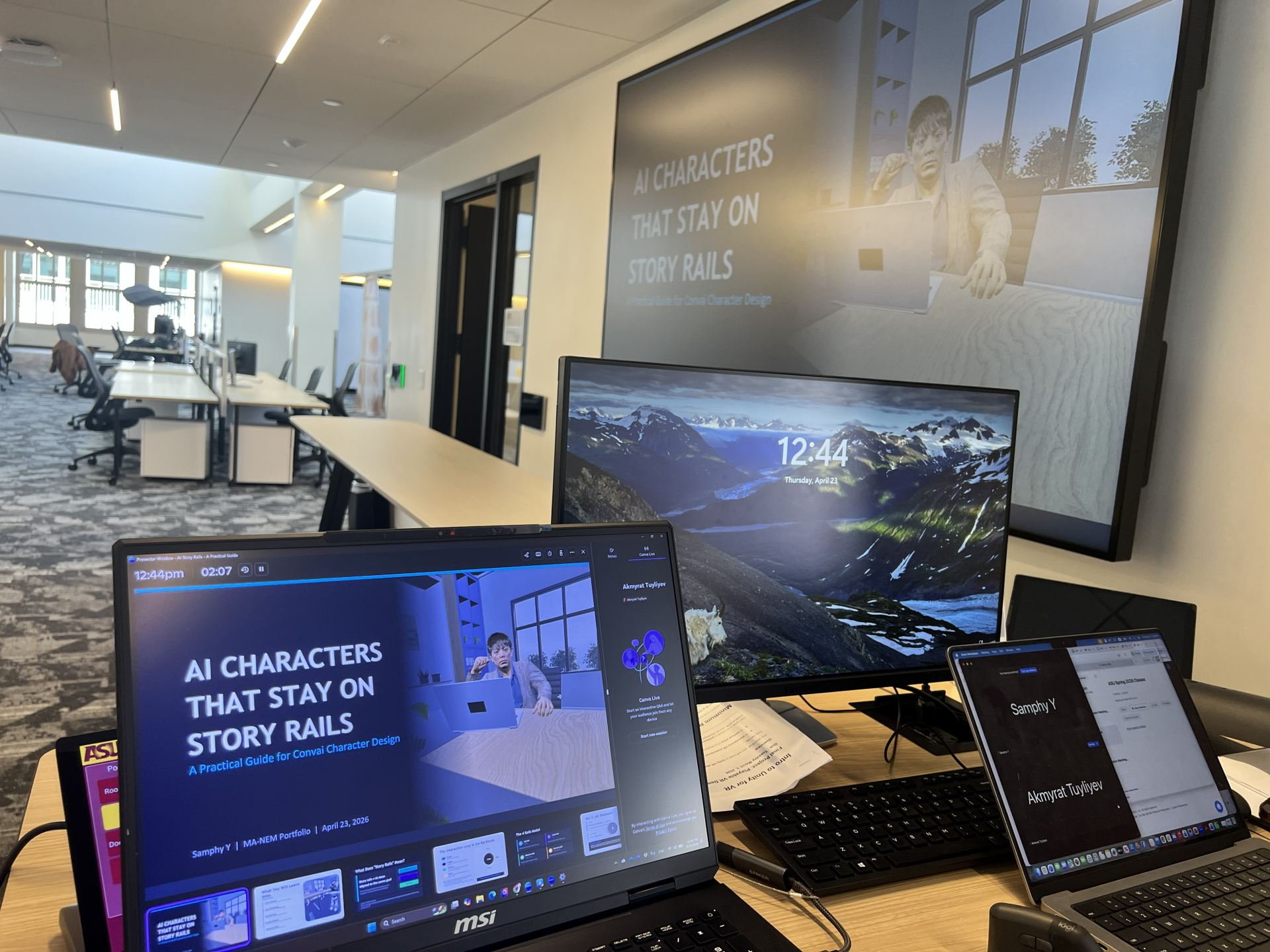
I delivered a guest session for the ASU Narrative & Emerging Media (MA-NEM) cohort on a practical framework for designing AI characters that stay aligned to a scene goal instead of drifting into generic chatbot behavior. The session packaged a tool-agnostic model, reusable templates, and a Convai implementation map that students can apply to their own interactive narrative and XR projects.
Format: In-person guest talk + discussion
Audience: Graduate cohort (MA-NEM)
Core deliverables: Slide deck (PDF), Canva deck embed, reusable AI Character Spec Sheet, demo character blueprint (Story Rails Coach)
The challenge
AI characters are easy to prototype but hard to ship reliably in narrative experiences.
Common failure modes I see in student and early-stage projects:
- The character drifts off-topic and stops serving the scene.
- The conversation has no clear “next step,” so pacing collapses.
- Safety boundaries and refusal behavior are unclear or inconsistent.
- Teams over-index on tool features instead of designing the interaction system.
- Tooling changes quickly, so project logic breaks when platform UI or capabilities shift.
Students needed a practical way to “design first,” then implement in any platform.
My approach
I taught a simple design stack that separates experience design from tool configuration.
1) Start with the interaction loop
Most interactive AI characters work better when the scene has a repeatable structure. I used a universal loop that adapts across character types:
Orient → Engage → Advance → Close
This gives both the user and the character a clear rhythm: context, exchange, progress, wrap.
2) Apply the 4 Rails Model (guardrails for narrative coherence)
I then introduced the Story Rails framework, which keeps the character aligned even when the user goes off-script:
- Job Rail (Purpose): why the character exists in this scene
- Scope Rail (Topics): what it can and cannot talk about
- Behavior Rail (Voice + Format): tone, length, response structure
- Recovery Rail (When off-script): how it redirects, resets, and continues safely
A quick validation test students can apply immediately:
If the user goes off-script, can the character return to the goal and next step within one or two turns?
3) Make it buildable with a one-page spec sheet
To move from concept to implementation, I provided a reusable worksheet:
- Name/Role
- Job statement + success condition
- Allowed topics + off-limits
- Voice + response rules
- Recovery lines
- Escalation rule (refuse/redirect/fallback)
This spec sheet acts as a shared contract between narrative design and technical implementation.
4) Translate into Convai without making it “about Convai”
I included a practical mapping layer for students using Convai:
- Character Description = identity + mission
- Speaking Style = tone + examples
- Knowledge Bank = facts + templates
- Guardrails = boundaries + recovery
- Personality Traits = base vibe
- Temperature = consistency vs creativity
I also called out real production constraints:
- Tools and dashboards change
- Latency affects pacing (shorter replies feel faster and smarter)
Deliverables
1) Slide deck (PDF)
A structured, classroom-ready deck covering the loop, the 4 rails, the spec sheet, Convai mapping, and production constraints.
2) Canva presentation (embed)
A web-embeddable version of the deck for sharing and review.
3) AI Character Spec Sheet (template)
A one-page worksheet students can reuse for any AI character.
4) Demo character blueprint: “Story Rails Coach”
A model character design that introduces the framework clearly, then guides the user rail-by-rail.
Outcomes and impact
- Delivered a compact, reusable method that students can apply to capstone work, class projects, and portfolio prototypes.
- Helped shift thinking from “prompting a character” to “designing an interaction system.”
- Provided a platform translation layer so students can implement without being locked to one tool.
What I learned (and what I emphasized)
- Tools change. Frameworks last.
Design rails in a tool-agnostic way, then map into whichever platform you use today. - Latency is part of narrative pacing.
Short responses and clear next steps keep users in flow, especially for voice interaction. - Recovery lines are the difference between demo and product.
Most drift issues are solved by better recovery patterns, not by “more knowledge.”
Artifacts
Download the slides (PDF):
View / embed the Canva deck:
Where this fits in my work
This case study sits at the intersection of:
- Learning technology (designing and configuring interactive learning systems)
- Learner engagement (pacing, clarity, and interaction design that keeps learners moving)
- Digital adoption (guardrails, onboarding, reliability patterns that make AI usable in real environments)