
Software is an essential tool for enhancing productivity and efficiency in any line of work in today’s tech-driven world. Whether you’re a small business owner, a freelance professional, or part of a large organization, having the right software can make all the difference. But with so many options available, how do you choose the best one for your needs? This blog post will guide you through six essential tips to help you make an informed decision. By the end of this post, you’ll have a clear understanding of how to identify your needs, research options, assess costs, and more. Let’s get started!

1. Identifying Your Specific Needs
Before you start looking for software, it’s crucial to understand exactly what you need. Every business or professional has unique requirements, and identifying these will help you narrow down your options.
Firstly, consider the tasks you need the software to perform. Are you looking for project management tools, accounting software, or perhaps a customer relationship management (CRM) system? Make a list of the key features you require. This will serve as your checklist when evaluating different software options.
Secondly, think about who will be using the software. Will it be just you, or will it be used by a team? Understanding the user base will help you determine whether you need a single-user or multi-user license. If multiple people will be using it, consider their technical proficiency as well.
Lastly, consider whether you need custom software. Because you can easily find a software development company to create a custom solution, it’s worth considering if your requirements are unique and cannot be met by an off-the-shelf product. That way, you’ll have software tailored specifically to your needs.

2. Research and Shortlist
Once you’ve identified your specific needs, the next step is to research and shortlist potential software options. This process can be time-consuming, but it’s crucial for making an informed decision.
Start by looking for software solutions that meet your checklist of features. Online reviews, industry blogs, and forums can be valuable resources for finding reliable options. Websites like Capterra, G2, and Trustpilot offer user reviews and ratings for various software products.
After gathering a list of potential options, compare them based on your criteria. Create a spreadsheet to track features, pricing, and user ratings. This will help you visualize the pros and cons of each option and make an objective comparison.
Lastly, don’t hesitate to reach out to colleagues or industry peers for recommendations. They may have valuable insights or experiences with specific software that can help guide your decision.

3. User Reviews and Trials
User reviews and free trials are invaluable tools for evaluating software. They provide real-world insights into how the software performs and whether it meets users’ needs.
When reading user reviews, pay attention to both positive and negative feedback. Look for patterns in the reviews to identify common strengths and weaknesses. This will give you a balanced view of the software’s performance.
Free trials offer a hands-on experience with the software. Take advantage of these trials to explore the features and usability. During the trial period, test the software with your actual data and workflows. This will help you assess how well it meets your needs in a real-world scenario.
Additionally, some software providers offer demo sessions or webinars. Participating in these sessions can provide a deeper understanding of the software’s capabilities and how it can benefit your work.

4. Cost-Benefit Analysis
Cost is a significant factor when choosing software, but it’s essential to consider the long-term value rather than just the initial price. Conducting a cost-benefit analysis will help you make a financially sound decision.
Start by calculating the total cost of ownership, including the purchase price, subscription fees, and any additional costs such as training or support. Compare these costs with the potential benefits the software offers, such as increased productivity, time savings, and improved accuracy.
Next, consider the return on investment (ROI). How quickly will the software pay for itself through the benefits it provides? Some software solutions may have a higher upfront cost but offer significant long-term savings.
Lastly, don’t forget to factor in any potential hidden costs. These could include costs for upgrades, additional licenses, or customization. Being aware of these costs upfront will help you make a more informed decision.
5. Scalability and Integration
When choosing software, it’s crucial to consider your future needs. Scalability and integration capabilities are essential factors to ensure the software grows with your business.
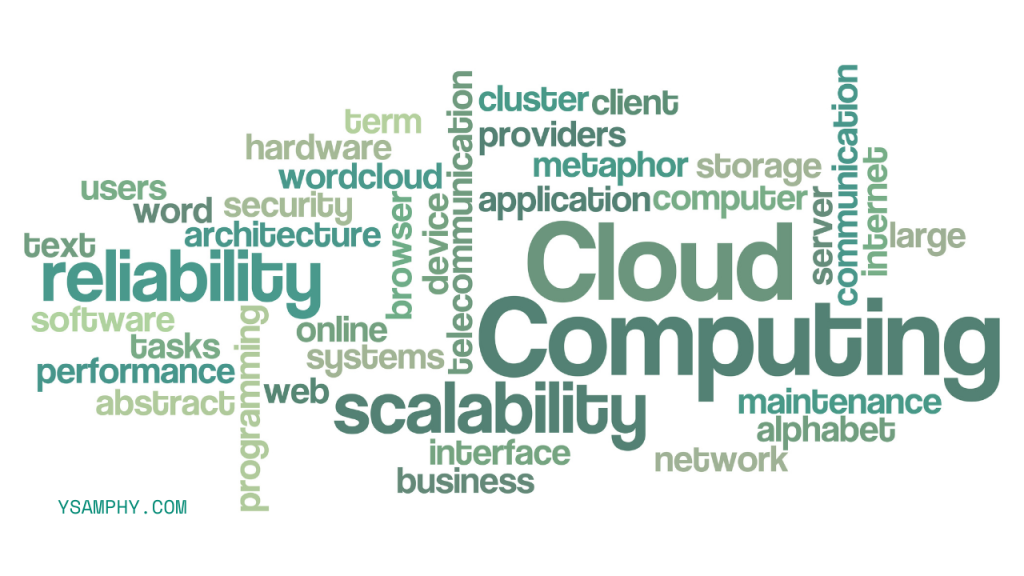
Scalability refers to the software’s ability to handle increased workload and user demands as your business expands. Ensure the software can accommodate additional users, data, and features without compromising performance.
Integration capabilities are equally important. Your new software should seamlessly integrate with your existing tools and systems. This will streamline workflows and prevent data silos. Look for software that offers APIs or built-in integrations with popular tools like CRM systems, accounting software, and project management platforms.
6. Support and Training
Even the best software can be challenging to use without proper support and training. Ensure the software provider offers adequate resources to help you get the most out of your investment.
Start by evaluating the support options available. Does the provider offer 24/7 customer support, email assistance, or live chat? Access to reliable support can be a lifesaver when you encounter issues or have questions.
Training resources are equally important. Look for software providers that offer comprehensive training materials, including user manuals, video tutorials, and webinars. Some providers also offer personalized training sessions to help you and your team get up to speed quickly

Choosing the right software for your line of work is a crucial decision that can significantly impact your productivity and success. By following these six essential tips—identifying your specific needs, researching and shortlisting options, leveraging user reviews and trials, conducting a cost-benefit analysis, considering scalability and integration, and ensuring adequate support and training—you’ll be well-equipped to make an informed decision. Remember, the right software can transform the way you work, making your tasks easier and more efficient. Take the time to evaluate your options carefully and choose software that aligns with your goals and requirements.



