
Are you struggling to get your Google My Business (GMB) listing to rank higher in search results? You’re not alone. With the ever-changing algorithms and fierce competition, it can be challenging to keep up and maintain a top spot. But fear not, there are proven strategies you can implement to increase your GMB rank.
In this blog post, we’ll discuss actionable tips and techniques that will help improve your GMB listing’s visibility and drive more traffic to your business. These strategies are based on industry best practices and have been successfully used by businesses of all sizes to boost their GMB ranking. So let’s dive in and take your GMB listing to the next level.
Use Grid Tracking Tools
One of the first steps in increasing your GMB rank is to get a clear understanding of where you currently stand. This can be achieved by using grid tracking tools, which allow you to monitor and track your GMB listing’s performance over time. For instance, with LocalDominator.co, you can easily see your GMB listing’s ranking and visibility in different areas and compare it to your competitors. This data can help you identify areas for improvement and track the success of your strategies.
Having this information at hand will also allow you to make informed decisions on how to optimize your GMB listing for better results. Ensure to regularly check your GMB listing’s performance using grid tracking tools for optimal results. By doing so, you can continuously refine and improve your strategies to increase your GMB ranking.
Optimize Your Business Information
When it comes to optimizing your GMB listing, one of the most critical factors is ensuring that all your business information is accurate and up-to-date. This includes your business name, address, phone number (NAP), and website URL. It may seem simple, but inaccurate or inconsistent information can harm your GMB ranking.
To optimize your business information, make sure to claim and verify your listing, regularly update any changes in your NAP details, and use the same format across all online platforms. Additionally, make use of relevant keywords in your business description and other fields to help improve your visibility in local searches. With accurate and optimized business information, you can improve your chances of ranking higher on GMB.
Encourage Customer Reviews
Customer reviews play a significant role in GMB ranking and can heavily influence potential customers’ decisions. The more positive online reviews you have, the higher your GMB ranking will be. Therefore, it’s crucial to actively encourage and respond to customer reviews.
Start by providing excellent products and services that customers would want to leave a review for. Then, utilize various methods such as email marketing or social media posts to ask satisfied customers for a review on your GMB listing. Remember to respond to both positive and negative reviews in a professional manner. This shows that you value your customers’ feedback, which can also help improve your GMB ranking.
Utilize GMB Posts and Updates
GMB posts and updates are a great way to keep your listing fresh and engaging for potential customers. These posts allow you to share news, promotions, events, and other relevant information directly on your GMB listing. By consistently posting updates, you not only keep your audience informed but also show Google that your listing is active and relevant.
Make sure to use high-quality visuals and a clear call-to-action in your posts to attract more attention. You can also use keywords in your post content to help with local search optimization. Posting regularly also helps to improve your GMB ranking and visibility, so make use of this feature for maximum impact.
Add Relevant Photos and Videos
Did you know that businesses with photos on their GMB listing receive 42% more requests for directions and 35% more clicks through to their website? This shows the importance of adding relevant photos and videos to your listing. Visuals not only make your listing more appealing but also provide useful information for potential customers.
Make sure to include high-quality photos of your business, products, and services. You can also add a virtual tour or promotional video to give customers a better idea of what you have to offer. Just remember to use appropriate file names and alt tags for your visuals to help with SEO and improve your GMB ranking.
Implement Local Keywords
When optimizing your GMB listing, it’s essential to include relevant local keywords in your business name, description, and other fields. Local keywords are phrases that people would use when searching for a particular product or service within their area.
Do thorough keyword research to identify the most commonly used terms in your industry and location. This will help you understand what potential customers are searching for and allow you to incorporate those keywords into your GMB listing. Using local keywords can improve your chances of appearing in local search results, increasing your visibility and ultimately, your GMB ranking.
Maintain Accurate NAP Citations
Inconsistent or inaccurate NAP citations across different online platforms can negatively affect your GMB ranking. NAP stands for name, address, and phone number and is a crucial piece of information for local search algorithms.
Make sure to regularly audit your NAP citations on all online directories, social media profiles, and review sites. Ensure that they match the information on your GMB listing. If you find any discrepancies, reach out to the platform or site owner to have them corrected. By maintaining accurate NAP citations, you can improve your GMB ranking and avoid potential confusion for customers.
Leverage Google Maps Integration
Google Maps integration is a powerful feature that allows customers to find your business location easily. By having a verified and optimized GMB listing, your business will appear on Google Maps when people search for relevant keywords or businesses nearby.
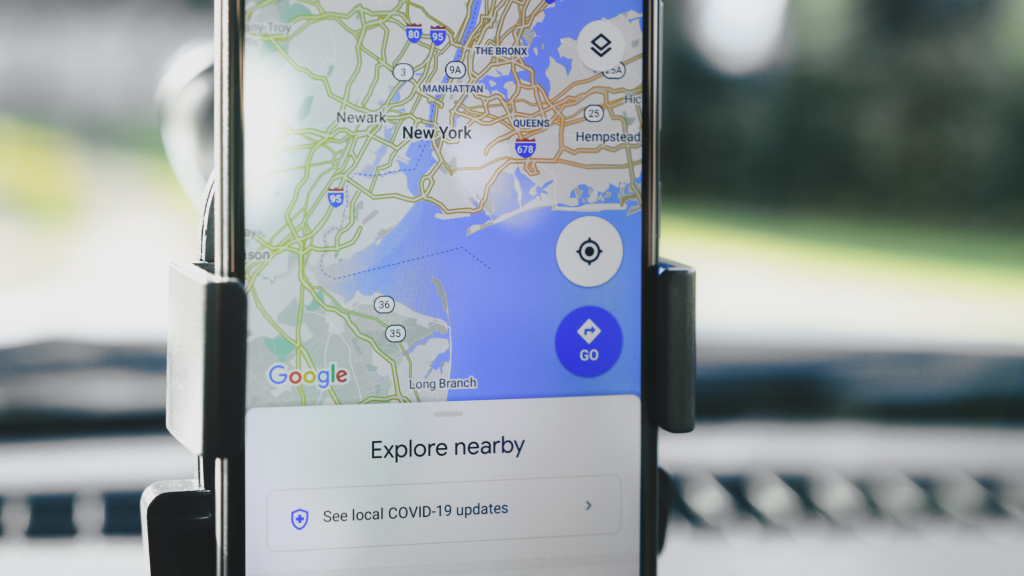
Make sure to regularly check and update your business location on Google Maps. You can also use the “suggest an edit” feature to correct any incorrect information or add more details about your business. By leveraging Google Maps integration, you can improve your GMB ranking and attract more customers who may be searching for businesses near your location.
These eight proven strategies can help you increase your GMB rank and stand out in local search results. By utilizing grid tracking tools, optimizing your business information, encouraging customer reviews, using GMB posts and updates, adding relevant visuals, implementing local keywords, maintaining accurate NAP citations, and leveraging Google Maps integration, you can improve your GMB listing’s visibility and attract more potential customers. Remember to regularly monitor and refine your strategies to stay ahead of the competition and maintain a top spot in GMB rankings.



