
In today’s digital age, where communication happens at the click of a button, the presence of spam has become an unfortunate reality for email users. As our reliance on email productivity for personal and professional correspondence grows, so does the risk of falling victim to unwanted messages that clutter our inboxes and can even compromise our security.
That’s why you should protect yourself from spam attacks, mostly for the sake of your email account’s security. Here are a few tips to help you keep your email account safe from spam attacks — look no further!
Remove Data from Data Brokers
Data brokers collect and sell personal information, which can often lead to spam attacks and privacy invasions. So, what you can do about it when it comes to your email account? To reduce the likelihood of your email address falling into the wrong hands, take proactive steps and do your research first. You can search online for data broker companies that may have your information and request that they remove it. Use privacy-focused services that can help minimize the data available about you. Be cautious about sharing your email address on social media platforms, as this information can easily be accessed by data brokers.
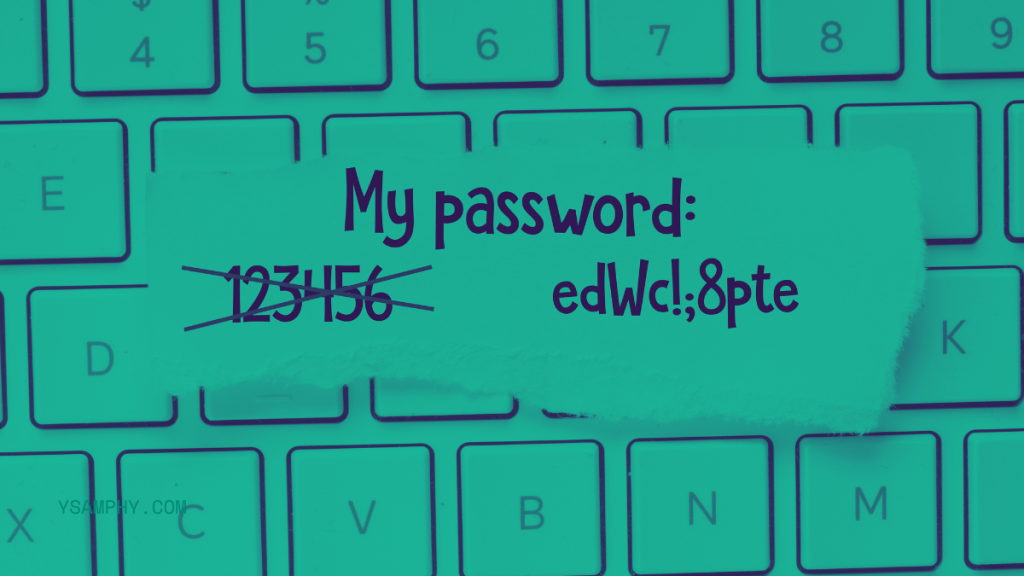
Use Strong Passwords
Most of the time, spam attacks are successful when hackers gain access to your email account through weak passwords. A strong password typically includes a mixture of uppercase and lowercase letters, numbers, and special symbols, making it difficult for hackers to guess. Aim for a minimum length of 12 characters, and avoid using easily accessible personal information like your name or birthdate.
To make this step even safer, use a password manager to generate and store complex passwords securely. Regularly updating your passwords and enabling two-factor authentication can provide an extra layer of security, further safeguarding your email account from potential threats.
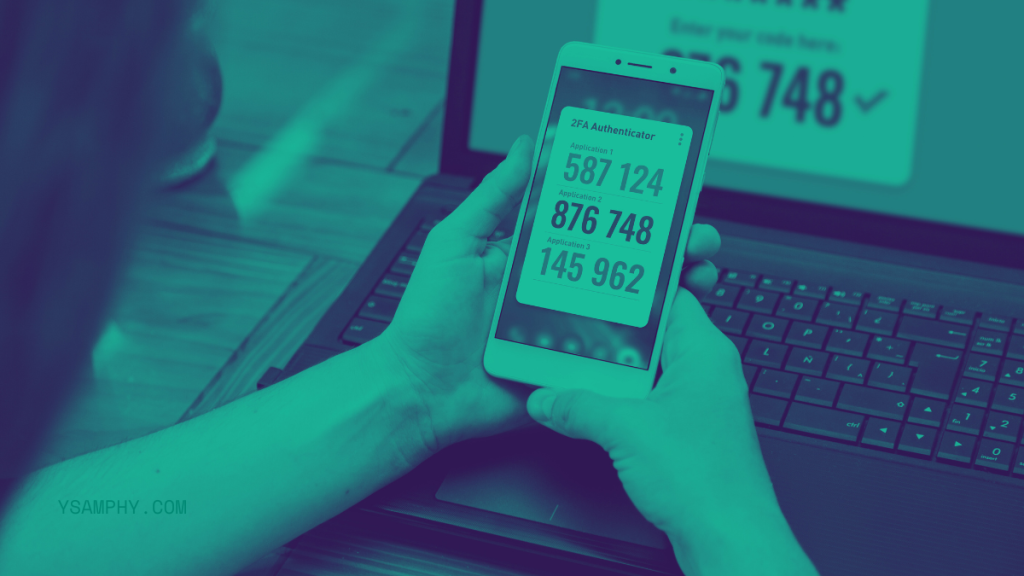
Enable Two-Factor Authentication
Enabling two-factor authentication (2FA) is one of the most effective methods for enhancing the security of your email account. This additional layer of protection requires your password and a second piece of information to verify your identity. You may receive a code via text message, an authenticator app, or email. Even if a hacker manages to obtain your password, they would still need this second factor to gain access, dramatically reducing the chances of unauthorized entry.
Most email providers offer 2FA as an option, and it is highly recommended to activate it. To set it up, go to your account security settings and follow the instructions provided. Choose a reliable method for receiving your codes, and consider backup options, such as a recovery code, in case you lose access to your primary method.
Be Cautious with Links and Attachments
One of the most common ways for spammers to gain access to your email account is through malicious links and attachments. These can contain malware or direct you to phishing sites that are designed to steal your personal information.
To avoid falling victim, be extra cautious with any links or attachments that seem suspicious or out of character from the sender. Before clicking on a link, hover over it to check the URL’s validity. If the URL seems unfamiliar or redirects you to an untrustworthy site, do not click on it. Similarly, do not open attachments from unknown sources, and if in doubt, confirm with the sender before proceeding.
Utilize Spam Filters
Nowadays, most email services come equipped with built-in spam filters that automatically detect and move suspicious messages to a separate folder. Take a moment to review your email provider’s spam settings and adjust them to suit your preferences.
Check your spam or junk folder to ensure legitimate emails haven’t been mistakenly flagged, and report any spam emails that slip through. Sometimes, these filters might not be infallible, so it’s essential to remain vigilant and use other methods alongside them.
Avoid Sharing Your Email Address Publicly
The best way to avoid spam attacks is to minimize your email address’s exposure. Avoid sharing it publicly on websites, forums, or anywhere that can be accessed by data brokers and spammers. When signing up for online accounts, use a separate email address specifically for this purpose.
If you must share your email address, use a disposable email service that generates temporary emails. This way, if the email gets compromised, you won’t have to worry about any potential consequences.
Regularly Monitor Your Account
Keeping a vigilant eye on your email account can help you identify any suspicious activity early on. Regularly check your inbox, sent items, and any associated folders for unfamiliar emails or unusual behavior, such as messages that you did not send or a sudden change in your account settings. If you notice anything out of the ordinary, take immediate action by changing your password and enabling additional security measures.
It’s beneficial to routinely review your account’s security settings and linked devices. Most email providers have the option to view active sessions or recently logged-in devices; keep an eye out for anything that appears to be unauthorized. Maintaining this level of vigilance can significantly reduce the risk of your email account being compromised and ensure that your personal information remains secure.
Unsubscribe from Unwanted Newsletters
While it may seem harmless, these emails can clutter your inbox and make it more challenging to spot important messages. Furthermore, some spammers use these newsletters as a way to confirm active email addresses, making you vulnerable to future attacks.
The solution? Regularly unsubscribe from any newsletters or promotional emails that you no longer wish to receive. Most legitimate businesses have an easy unsubscribe option at the bottom of their emails. If not, mark the email as spam and delete it from your inbox. For any newsletters or emails that you did not sign up for, report them as spam and unsubscribe immediately.
In an era where email communication is essential, safeguarding your email account from spam attacks is crucial for protecting your personal information and maintaining a clutter-free inbox. By implementing the tips outlined above, you can significantly reduce the risk of spam and other malicious activities. Stay proactive, regularly monitor your account, and remember that a little caution can go a long way in ensuring your online security. By doing so, you can enjoy the convenience of email while protecting yourself from potential threats.



